TCL Google TV Tools
Scripts for decluttering a TCL Google TV over ADB without root, keeping it that way through restarts and updates, and using it as an extra screen for a Linux laptop.
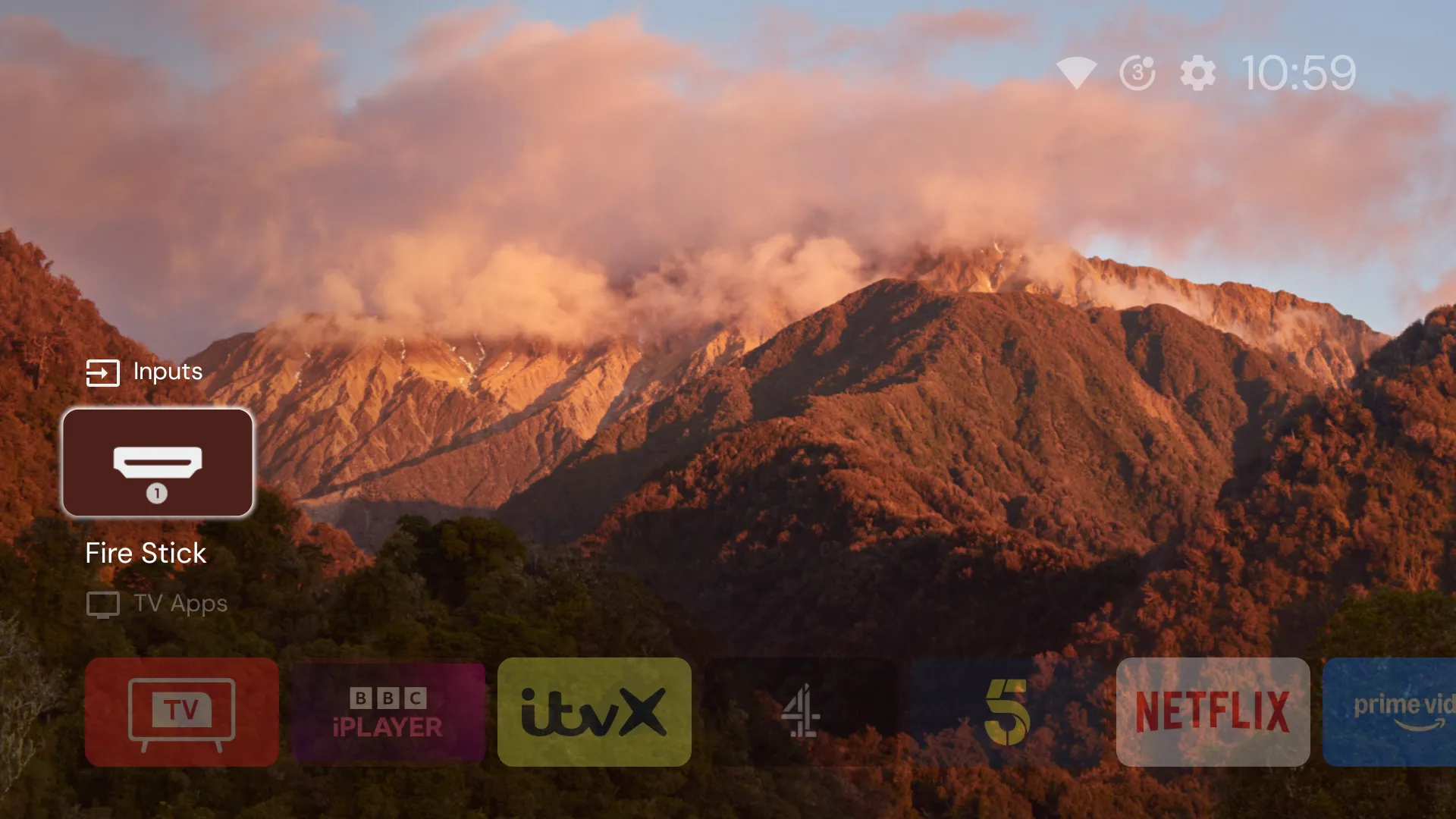
TCL Google TV Tools is a set of scripts for a TCL Google TV, driven from a Linux computer over the network. It switches off the TV’s advertising, stickers, free channels and other packages nobody asked for, makes a replacement home screen and a button remap survive a restart, and checks that none of it has quietly come undone. It also turns the TV into an extra screen for a Linux laptop. Nothing needs root, and every change can be undone. It was built for a TCL 65C6K on Android 14. Other TCL Google TVs probably behave the same, but they haven’t been tested.
What it does
tv-batch.shapplies, undoes or reports on a batch file of packages. It only ever disables, never uninstalls, sopm enableor a factory reset brings everything back. It refuses anything on the keep-list, skips packages that aren’t installed and logs every change with a timestamp.- Six batches, 34 packages in all, each with a reason: TCL’s stickers, offers, free channels and home feed, Alexa, Google’s feedback reporter and ad services, and a few that were using memory for nothing.
- A keep-list of packages that look disposable and aren’t, each with the reason. One is the speech recogniser the voice button needs. Another runs MediaTek’s AI picture quality.
tv-status.shis a read-only health check. It confirms that every batch is still disabled, nothing on the keep-list is, the boot permissions and accessibility services are in place, and the power, animation and HDMI-CEC settings are as they should be. It exits non-zero if anything has moved, so a TCL update that undoes something shows up the first time it’s run.tv-restart.shrestarts the TV without losing recent changes, then waits for the new boot and runs the health check.rearm-projectivy.shgives the Home button back to Projectivy Launcher if TCL’s boot blocker took it away.tv-remote.pypairs with the TV over the Android TV Remote protocol, the one phone remote apps use, then sends keys, opens apps by link and reads the power state and current app, all without ADB.laptop/gives a Linux laptop a fourth screen on the TV, streamed with Sunshine and Moonlight. The screen is virtual: it’s plugged in when the TV connects and taken out when the TV disconnects.
How it’s built
The TV side is short Bash scripts around adb shell: pm for packages, cmd appops for permissions, settings and dumpsys for everything else. Each one reads the TV’s address from an environment variable, so nothing about one network is written into the code.
The main finding is in rearm-projectivy.sh and the README. TCL’s system server refuses to start third-party services at boot unless the app holds an app-op that only TCL’s build has, AUTO_START, and it’s off for every app. That’s why a replacement launcher or a remapping app works until the first restart. One command allows it, and a second saves it straight away, because Android 14 only writes app-op changes to disk 30 minutes after they’re made. Decluttering a TCL Google TV without rooting it tells the whole story.
The remote script is Python, built on androidtvremote2. The extra screen is a 141-line C program against libevdi, the library behind DisplayLink docks, plus a Python script that writes the virtual monitor’s EDID by hand and another that saves the GNOME layout over D-Bus. A fourth screen on the living-room TV covers that half.
How to use it
Turn on Developer options on the TV (press OK on the build number seven times) and USB debugging, then:
git clone https://github.com/tomgould/tcl-google-tv-tools.git
cd tcl-google-tv-tools
export TV=192.168.1.50:5555   # your TV's address
adb connect "$TV"
scripts/tv-batch.sh status batches/batch-01.txt
scripts/tv-batch.sh apply  batches/batch-01.txt
scripts/tv-status.sh
Read each batch file before applying it, and try the TV’s inputs, voice, casting and your own apps between batches. scripts/tv-batch.sh undo reverses a batch. The extra screen needs Ubuntu 22.04 or similar on X11; docs/second-screen.md has the full setup.