Print-quality PDFs from a browser
A browser can print any page to PDF, but a document you send someone needs more. How PrintMD gets fonts, page breaks and images right, and what its tests check.


A browser can make a PDF from any page, and for a quick copy of a web page that’s fine. For a document you send to someone, “fine” isn’t the bar. This post is about the gap between the two, and what PrintMD does to close it.
Start with the fonts
If a PDF names a font the reader doesn’t have, their viewer swaps in another one and your layout moves. The cure is to embed the font in the file, and for that it has to be a real file the page can load, not a name in a stylesheet.
PrintMD bundles its fonts, all under the SIL Open Font Licence, and loads them from the app itself. Before printing, every bundled face the text uses is loaded and checked. If one didn’t load, you’re told which one, rather than getting a system font by surprise. That covers Latin text: the bundled fonts don’t include Cyrillic, Greek or Vietnamese, so those, and emoji, still come from the machine’s own fonts, without a warning.
Bold and italic need real faces too. When a family has no bold, the browser makes one up, and a made-up bold prints as a Type 3 font, which is the kind of font the tests reject. Some of the bundled families have a single italic, so their bold italic prints as that italic at the regular weight rather than as a true bold italic.
Page breaks are the other half
Most of what makes a PDF look careless is where the pages break. A few rules cover most of it. They’re requests the browser keeps wherever it can, so a table row taller than a whole page still has to break:
- A heading isn’t left at the foot of a page.
- At least three lines of a paragraph stay on either side of a page break.
- A table row, a figure and a short code block stay whole.
- A table that runs onto the next page repeats its header row.
- An image is never taller than the text column.
- Long web addresses and hashes wrap instead of running off the page.
None of these is clever. They’re CSS print rules, and the point is to apply them in every template, every time.
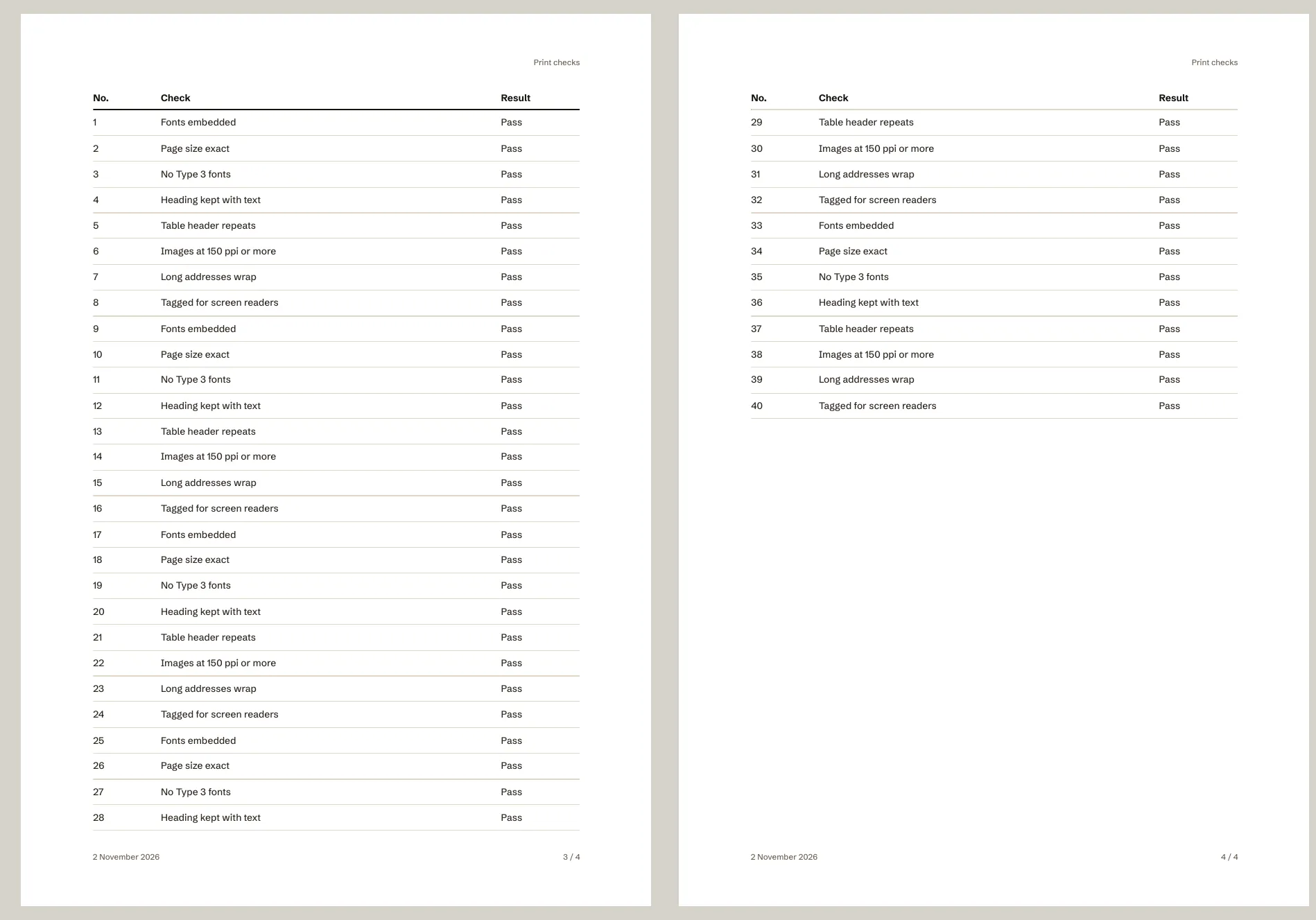
The tests guard some of these better than others. Wrapping long lines, addresses and hashes is checked in a real PDF for every template. The heading, table header and tall image rules are checked in a real PDF in the Unbranded template only. The three-line rule and the table row and figure rules are in the stylesheet, and no test prints them yet.
Effects that turn into pictures
A soft shadow surprised me. The browser draws a blurred shadow as a picture, so a decorative card with a soft shadow becomes images inside the PDF, and the file grows. Blur filters do the same. A shadow with no blur, or a see-through fill, stays as vector shapes. So the templates avoid blurs and filters, and the tests count the images in each sample PDF and fail if there are more than the document holds.
Images are left as they are
PrintMD doesn’t resize or redraw images: a 6,000-pixel-wide PNG goes into the PDF at 6,000 pixels. It does work out the resolution each one will print at, and lists any under 150 pixels per inch, because that’s where print starts to look soft. SVG is vector, so it isn’t checked.
Checking it
The tests print sample documents through the PDF service, in every template, and look at the result with the usual poppler tools: the page size, whether every font is embedded and none is Type 3, the images, the tags for screen readers, the title, the language and the bookmarks. That catches the regressions a glance at the preview wouldn’t. What they don’t check is reading order: I haven’t written a test for it.
To see it for yourself, run the editor, open a long document with a table in it, and export it as a PDF.
More on PrintMD
-

 A PDF service that only runs on your machine
PrintMD’s PDF service turns Markdown into a PDF with one request, and it refuses to be hosted. Why that’s on purpose, and how it stays locked down…
-

 Custom sizes, one long page and fit to width
Not every PDF is an A4 page. PrintMD’s page options cover a custom size, one continuous page, scaling wide tables to fit and your own margin, and…
-

 Why I built PrintMD
I write in Markdown, and getting from there to a PDF I’d happily send someone was more work than it should be. So I built an editor that shows the…
Featured projects
-

 Mullet
A job runner that plans a coding job, runs it unattended in a sandboxed clone, and marks each step done only when its own checks pass.
-

 Solar Calendar
A calendar of 13 identical 28-day months, with each year starting on the first Monday on or after the spring equinox.
-

 Where Should I Live
Rank cities around the world by what you’d keep after tax, what a month costs, which visas you can get and how each place fits the way you live.
More writing
-

 Where Mullet goes next
Mullet 2.5.0 is out. What I plan next: a guard that checks a step fits a model’s window, a price ceiling instead of a free switch, more settings and…
-

 Eight rules from a game framework’s agent prompts, for web and print design
On 1 November I read the agent prompts of VibeGame, a framework that builds 2D web games, and kept the eight techniques that carry over to web and…
-

 What I tried and binned, and what each one cost
Three local-model options I stopped using, with what each cost and the verdict: a 25 GB model that timed out in a job, a Blackwell-only fork ruled…
-

 When your plan has no five-hour limit
Mullet 2.5.0 copes with a Claude plan whose usage data has no five-hour window: the HUD drops the five-hour figures and the budget guard paces on…