Reelify
An experiment that turns long screen recordings into short summary videos, by cutting idle time and speeding up what’s left to fit a target length.
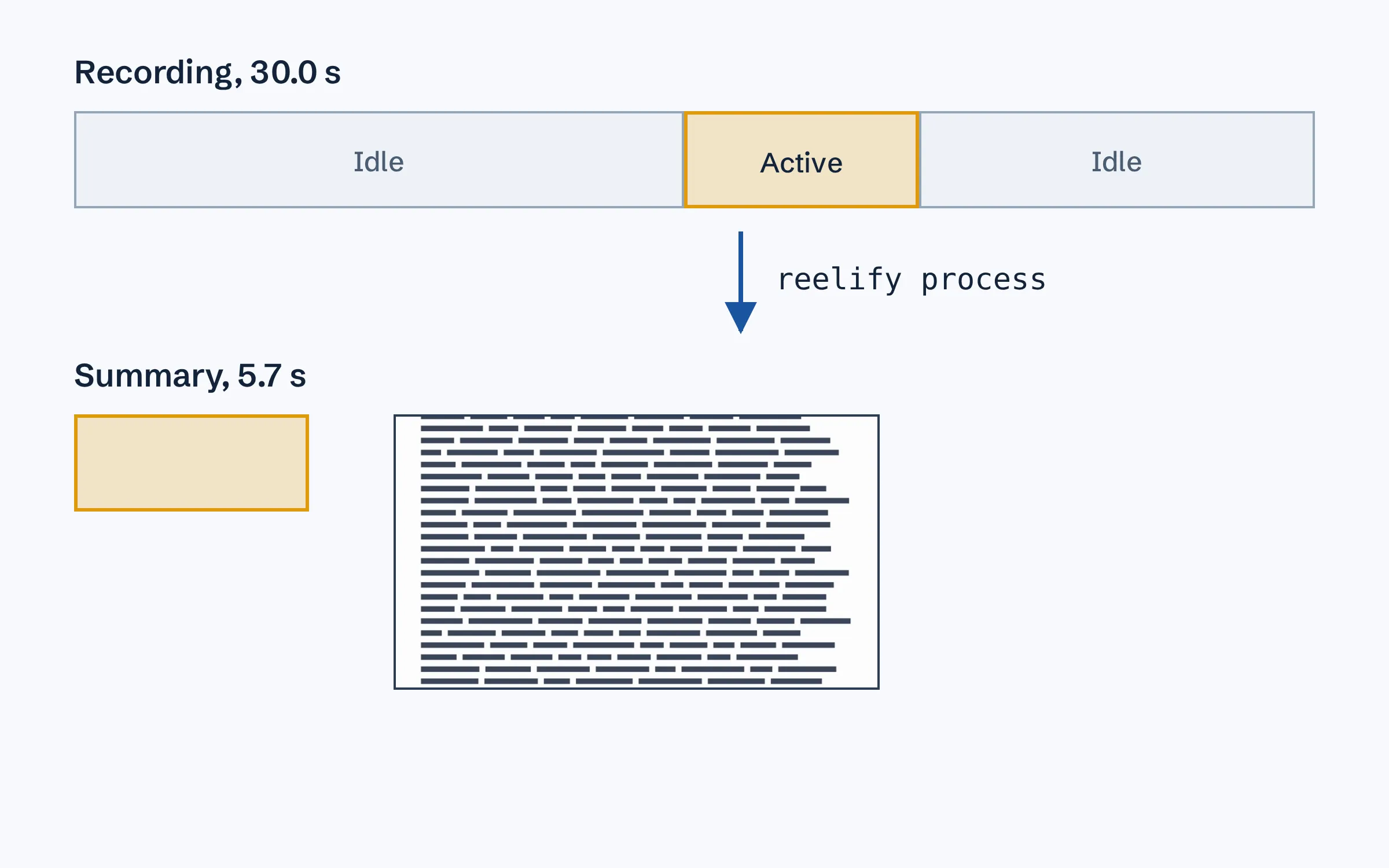
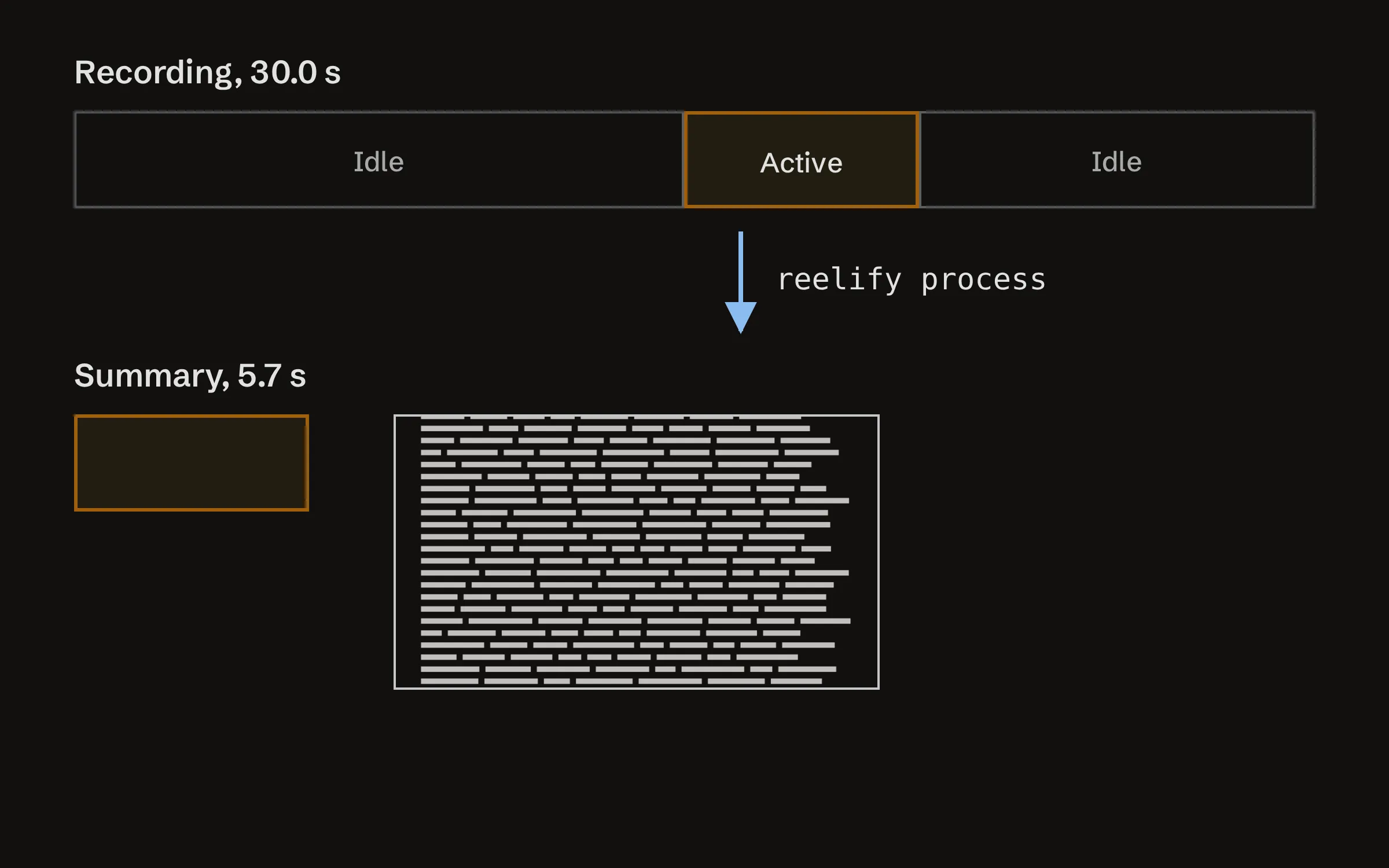
Reelify takes a long screen recording, such as an hour of someone working through a task, and turns it into a short video of the parts where something happens. I built it as an experiment, to see how far a pipeline that runs entirely on my own machine could go. It works for personal use, but it comes with no stability guarantees, and its behaviour may change between commits.
What it does
reelify process input.webm produces input_summary.mp4, with the idle gaps removed. Nothing is sped up unless you give it a target length with --max-duration: then, if what’s left is longer, all of it is sped up by the same amount, to at most eight times normal speed. reelify analyse input.webm writes a JSON file instead, with the segments, activity scores and a caption for each keyframe.
The pipeline runs in five stages:
- Analyse: FFmpeg pipes out small greyscale thumbnails of every fourth frame, and each one is scored by how much it differs from the one before.
- Classify: split the recording into active and idle chunks, keeping a short margin around activity so cuts don’t clip it.
- Speed map: drop the idle chunks, and if there’s a target and what’s left is still longer, speed it up evenly, to at most eight times normal speed.
- Encode: cut and retime each segment with FFmpeg, then join them.
- Enrich, optionally: pick keyframes with PySceneDetect and caption them with a vision model.
How it’s built
It’s a Python 3.10 command-line tool built with Typer. FFmpeg does the encoding. By default the captions come from a vision model running locally in LM Studio, Qwen2.5-VL-7B, so nothing leaves the machine. Google’s Gemini Flash can be used instead, but only when it’s switched on explicitly with an environment variable and an API key. An optional extra transcribes speech with Whisper and burns in subtitles.
A code review found some slow spots, and the fixes are in the history. The margin padding around active frames went from a nested loop to two linear passes over the frames, one forwards and one backwards, and segments are now encoded in parallel. The review also caught a temporary-file race. It moved FFmpeg’s seek after the input as well, which broke sped-up segments: there the seek is measured after the speed change, so they were cut from the wrong part of the video. The seek is back before the input, where FFmpeg makes it frame-accurate because every segment is re-encoded, and the tests now check which frames each segment comes out with.
How to use it
You need Python 3.10 or later and FFmpeg installed, plus LM Studio if you want local captions.
pip install -e .
reelify process recording.webm
reelify process recording.webm --max-duration 120
The second command also speeds up what’s left after the cuts, if it needs to, aiming for two minutes or less.
More projects
-
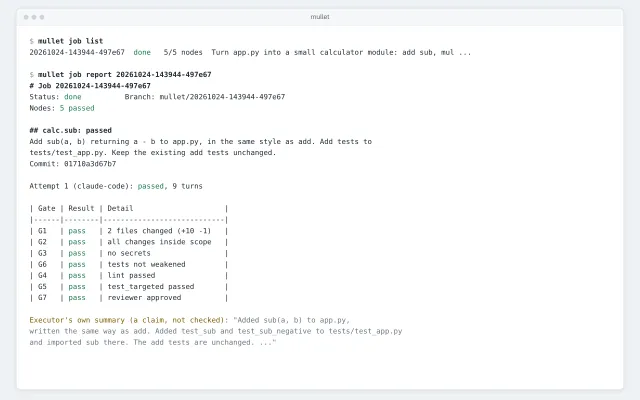
 Mullet
A job runner that plans a coding job, runs it unattended in a sandboxed clone, and marks each step done only when its own checks pass.
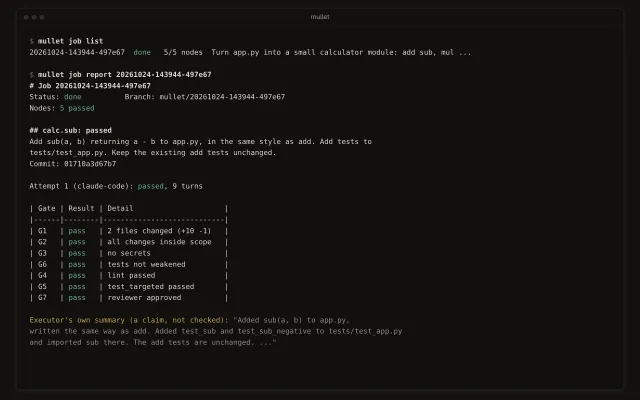
Mullet
A job runner that plans a coding job, runs it unattended in a sandboxed clone, and marks each step done only when its own checks pass.
-
 Solar Calendar
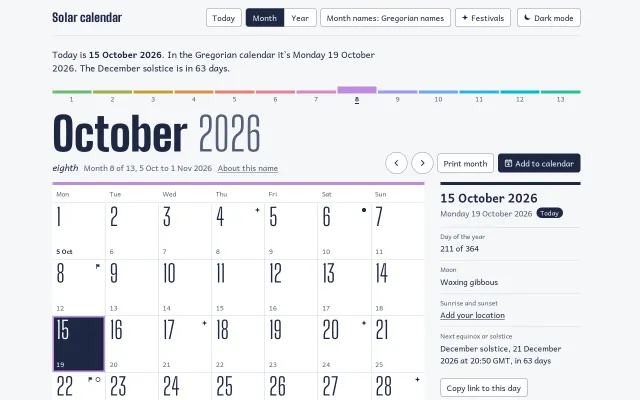
A calendar of 13 identical 28-day months, with each year starting on the first Monday on or after the spring equinox.
Solar Calendar
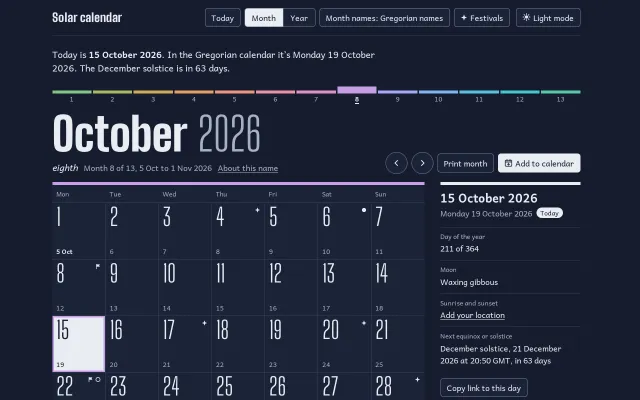
A calendar of 13 identical 28-day months, with each year starting on the first Monday on or after the spring equinox.
-
 Where Should I Live
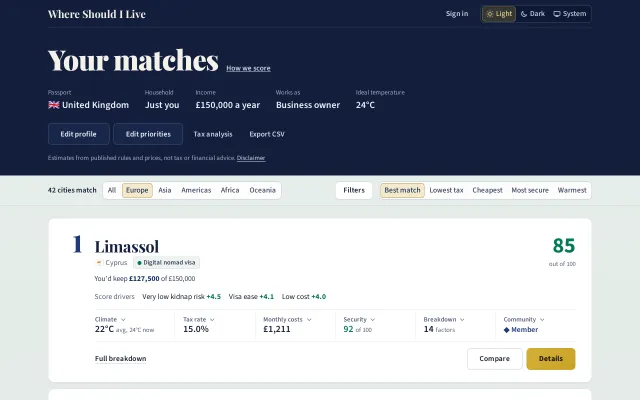
Rank cities around the world by what you’d keep after tax, what a month costs, which visas you can get and how each place fits the way you live.
Where Should I Live
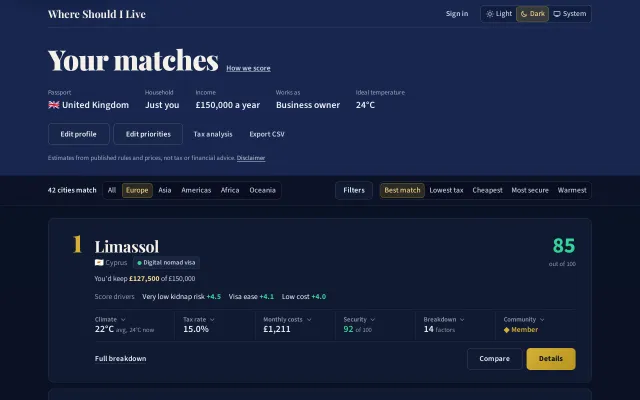
Rank cities around the world by what you’d keep after tax, what a month costs, which visas you can get and how each place fits the way you live.