Custom sizes, one long page and fit to width
Not every PDF is an A4 page. PrintMD’s page options cover a custom size, one continuous page, scaling wide tables to fit and your own margin, and each has an edge case worth knowing.


Not every PDF is an A4 page. A one-page menu, a slide, a long receipt: each wants a different shape. PrintMD has four page options for them, and the editor remembers them for each document.
Custom size
Open the page options, tick custom size and give a width, a height and a unit: millimetres, centimetres, inches or pixels. In front matter and in the PDF service the size is one value, so 100x150mm, 8.5x11in and 1200x800px all work. A pixel is the CSS pixel, a 96th of an inch, so 1200 by 800 pixels is 317.5 by 211.7 millimetres.
There are limits, for good reasons. Each side runs from 30 mm to 5080 mm, which is 200 inches, and a page can’t be bigger than four square metres. A tiny page with a long document could otherwise make thousands of pages, so the PDF service refuses a custom size that would print more than 5,000, and the editor warns you before it prints one.
One continuous page
Some documents aren’t made of pages at all. Choose the continuous layout and the whole document goes onto a single page of the width you chose, exactly as tall as the content. There are no page breaks and no running head or foot.
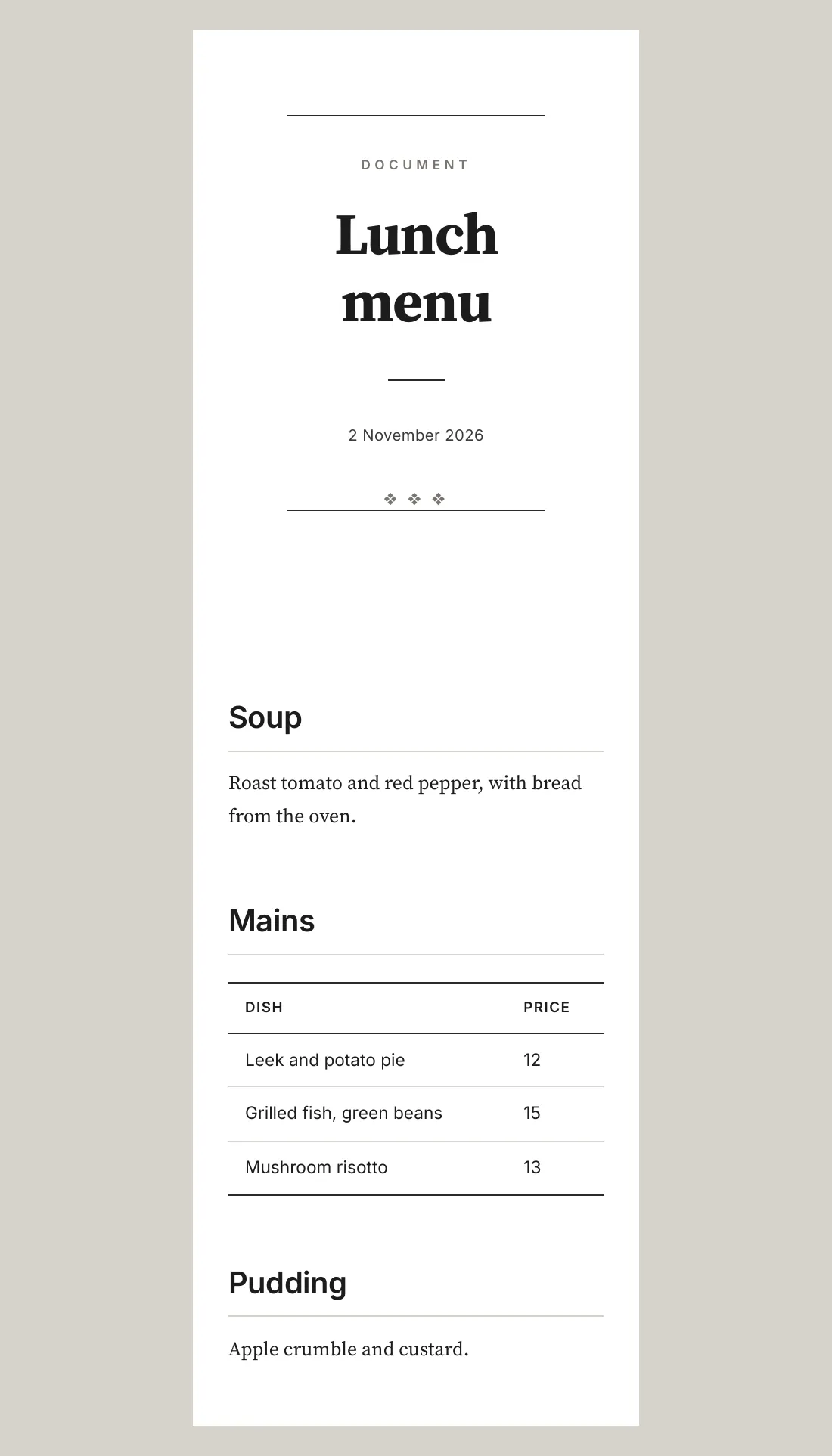
The height has to be measured after the fonts and images have loaded, so the page is laid out first, measured, then printed at that height. If the result is taller than one PDF page can be, it’s split into a few tall pages, with a little room to spare at each break, and a note says so. A heading stays with what follows it across the split. A block that can’t break, such as a table row or an image, moves whole to the next piece, which can leave a gap; I’d rather you knew that than had it hidden. The PDF service refuses a document that would run past 50.8 metres.
Fit to width
A wide table or image runs past the margin. Fit width scales the block down to fit the column instead, and tells you what it did: “Table 1 is scaled to 72% to fit the page width.” If a block would need to shrink below 40%, it’s left at full size with a warning, because text that small can’t be read.
The continuous layout has a third choice, widest block, which makes the page as wide as the widest block and scales only what is still too wide.
Margin
Leave the margin empty to use the template’s. Otherwise give a number in millimetres, centimetres, inches or points, up to about 100 mm. The page has to keep at least 20 mm across for the text: the page options won’t save a margin that leaves less, the PDF service answers such a request with an error, and a margin from front matter is reduced to fit, with a note. In the Dealmobile template, the running head and foot need a margin of 18 mm or more, so under that they’re left out and you’re told.
In front matter
The page options can also sit at the top of the document, so the file carries its own page:
---
title: Lunch menu
page-size: 100x210mm
layout: continuous
fit: width
margin: 8mm
---
The editor reads layout, fit and margin from the front matter, and anything you save in the page options wins, one setting at a time. It takes the page size from its Size menu instead, so page-size is only read by the PDF service. The service reads all four, and a value in the request wins over the front matter.
More on PrintMD
-

 A PDF service that only runs on your machine
PrintMD’s PDF service turns Markdown into a PDF with one request, and it refuses to be hosted. Why that’s on purpose, and how it stays locked down…
-

 Print-quality PDFs from a browser
A browser can print any page to PDF, but a document you send someone needs more. How PrintMD gets fonts, page breaks and images right, and what its…
-

 Why I built PrintMD
I write in Markdown, and getting from there to a PDF I’d happily send someone was more work than it should be. So I built an editor that shows the…
Featured projects
-

 Mullet
A job runner that plans a coding job, runs it unattended in a sandboxed clone, and marks each step done only when its own checks pass.
-

 Solar Calendar
A calendar of 13 identical 28-day months, with each year starting on the first Monday on or after the spring equinox.
-

 Where Should I Live
Rank cities around the world by what you’d keep after tax, what a month costs, which visas you can get and how each place fits the way you live.
More writing
-

 Where Mullet goes next
Mullet 2.5.0 is out. What I plan next: a guard that checks a step fits a model’s window, a price ceiling instead of a free switch, more settings and…
-

 Eight rules from a game framework’s agent prompts, for web and print design
On 1 November I read the agent prompts of VibeGame, a framework that builds 2D web games, and kept the eight techniques that carry over to web and…
-

 What I tried and binned, and what each one cost
Three local-model options I stopped using, with what each cost and the verdict: a 25 GB model that timed out in a job, a Blackwell-only fork ruled…
-

 When your plan has no five-hour limit
Mullet 2.5.0 copes with a Claude plan whose usage data has no five-hour window: the HUD drops the five-hour figures and the budget guard paces on…